Nexus Revamped
|
The live wallpaper that started on the Nexus One, rebuilt for modern Android. Every colour, speed, trail and glow is yours to change, and it still asks for zero permissions and shows zero ads.
It is your homescreen. You should get to set the rules.
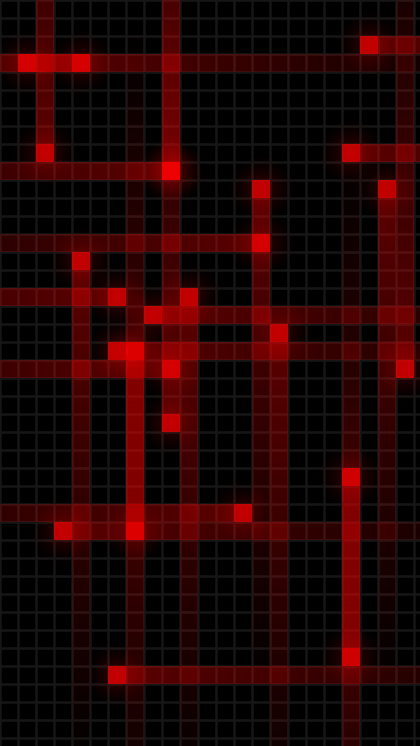
Particles streak across a tiled grid, leave glowing trails behind them, and scatter when you touch the screen.
You control the lot: particle speed and direction, colours, trail length, glow size and the background texture. It is built to stay light on the battery while it does it.
- 30+ colour palettes, or pick up to 8 colours of your own
- 13 background textures, a solid colour, or your own photo
- Preset themes: Matrix, Retro Arcade, Purple Pixels, Grid, Nexus S…
- Save and share your own themes
Nexus RevampedLive, right now, in your browser
Three live themes you can tap and drag, running in your browser
Grid Blue
Nexus Original
Retro Arcade
Everything is a setting
Most live wallpapers give you three sliders. This one has been collecting settings since 2010.
Particles
Head opacity, trail length, glow size and glow strength, all independent. Turn the heads off for pure neon streaks, or the trails off for pixel rain.
Physics
Minimum and maximum speed, spawn density, particle size jitter, zoom, and travel direction: all four ways, left/right, up/down, or a single direction.
Backgrounds
The original Nexus grid, plus dark and white variants, grid, honeycomb, carbon fibre, brushed metal, camo, stone, goo, tread and tiles, or any photo from your gallery.
Touch reactive
Tap to fire a burst of particles from that exact grid square. Multi-touch and spawn-on-drag are both toggles.
Battery reactive
Make particle speed or colour follow your battery level, so a glance at the homescreen tells you how much charge is left.
Performance first
Pick your frame rate and particle budget. Lower it to save battery, or raise it up to 120 FPS on Pro. The wallpaper sleeps whenever your screen does.
Themes
Nine presets to start from, then save your own and switch between them in a tap.
No permissions
It never asks for a single Android permission, has no ads, and no subscription. Pro is one payment, forever.
Also a screensaver
Set it as your Android Daydream / screensaver and it runs while the phone charges.
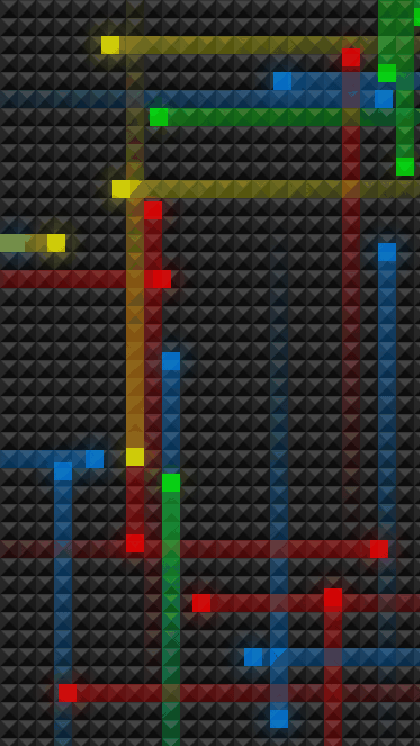
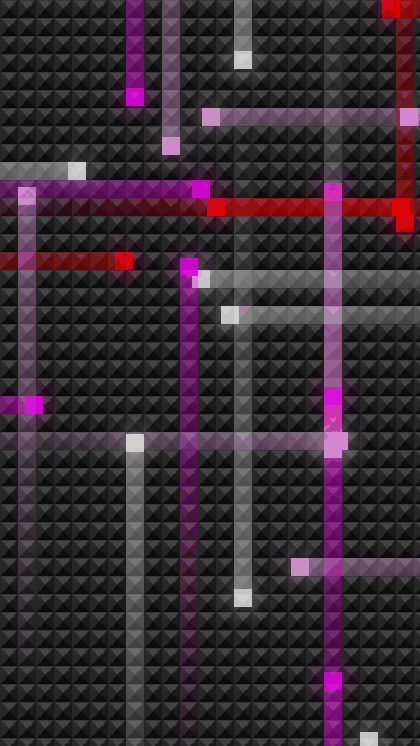
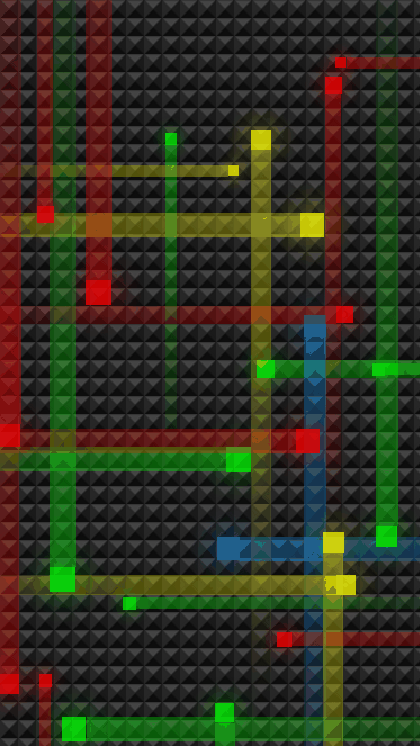
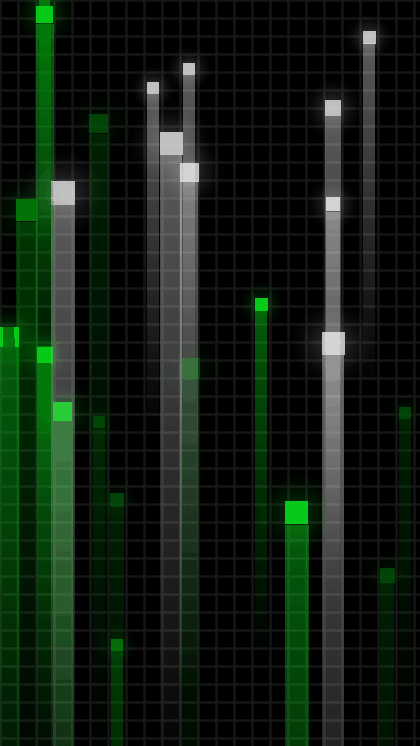
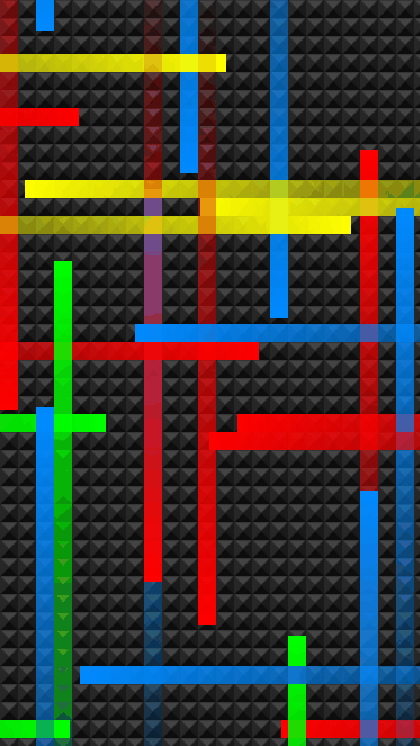
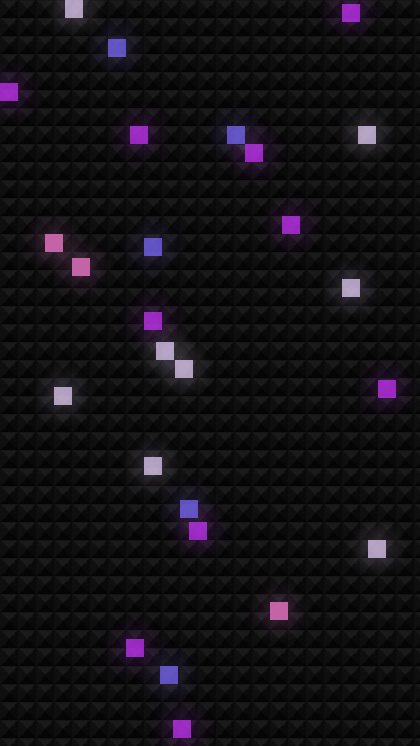
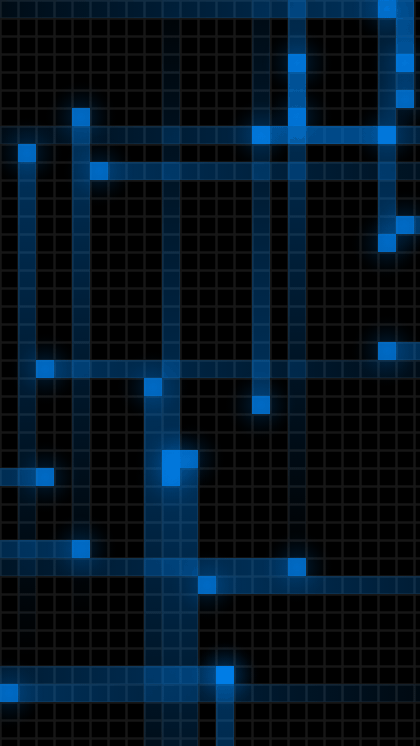
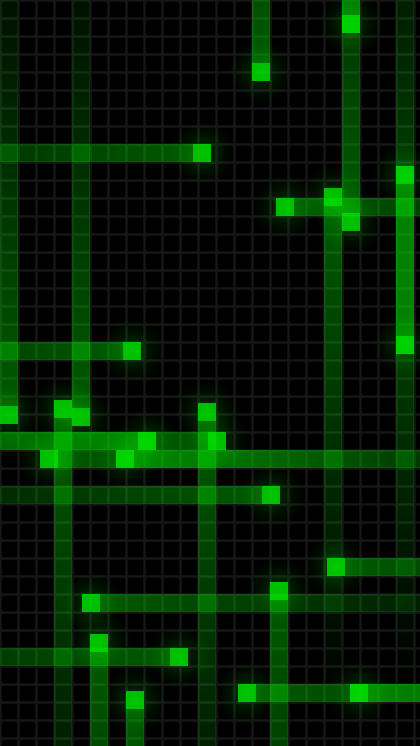
Nine themes out of the box
Every one of these is a starting point. Change anything you like and save it as your own.
Free, or Pro
The free version is the whole wallpaper: every theme, every texture, every slider. Pro raises the frame-rate ceiling, skips the upgrade prompt, and is what pays for the next update.
Free
No ads. Really.
- Every theme and preset
- All backgrounds and palettes
- Touch and battery reactions
- Up to 60 FPS
Pro
One payment. No subscription.
- Everything in Free
- Up to 120 FPS
- No upgrade prompts
- Supports a one-man dev shop
The Pro price shown is the real Google Play price for the UK.
Sale ends 1 December 2026.
The Black Friday sale starts 18 November.
Questions
Will it drain my battery?
No more than a static one when you are not looking at it. Android pauses live wallpapers whenever the screen is off or an app is in front of them. While it is on screen you decide how much work it does: drop the frame rate, lower the particle budget, or shorten the trails.
What permissions does it need?
None. The app declares zero Android permissions. Picking your own background image uses the system photo picker, which hands over one image without granting storage access.
What is the difference between Free and Pro?
Pro unlocks frame rates above 60 FPS, removes the occasional upgrade prompt, and is a one-off payment rather than a subscription. Every theme, background and setting is in the free version.
Which Android versions are supported?
Android 6.0 and newer, including Android 16. It is built against the latest SDK and tested on modern devices.
Can I use my own photo as the background?
Yes. Choose Custom background in the settings and pick any image, and the particles run over the top of it.
Is this the live wallpaper from my old Nexus One?
It is the same idea, written from scratch in 2010 as a customisable version of it, and rewritten again in Kotlin for modern Android. The whole story is here.
Get Nexus Revamped
Free on Google Play.